Understanding Sensory Ratings: What the Numbers Really Mean
Learn how to interpret sensory ratings for noise, lighting, and crowd density. Make informed decisions about which venues will work best for your needs.
Understanding Sensory Ratings: What the Numbers Really Mean
If you are new to KindHours or to sensory venue apps in general, the rating scales can seem abstract at first. This guide explains what each rating dimension measures, how ratings are generated, and how to use them to make decisions that genuinely match your needs.
How KindHours Ratings Work
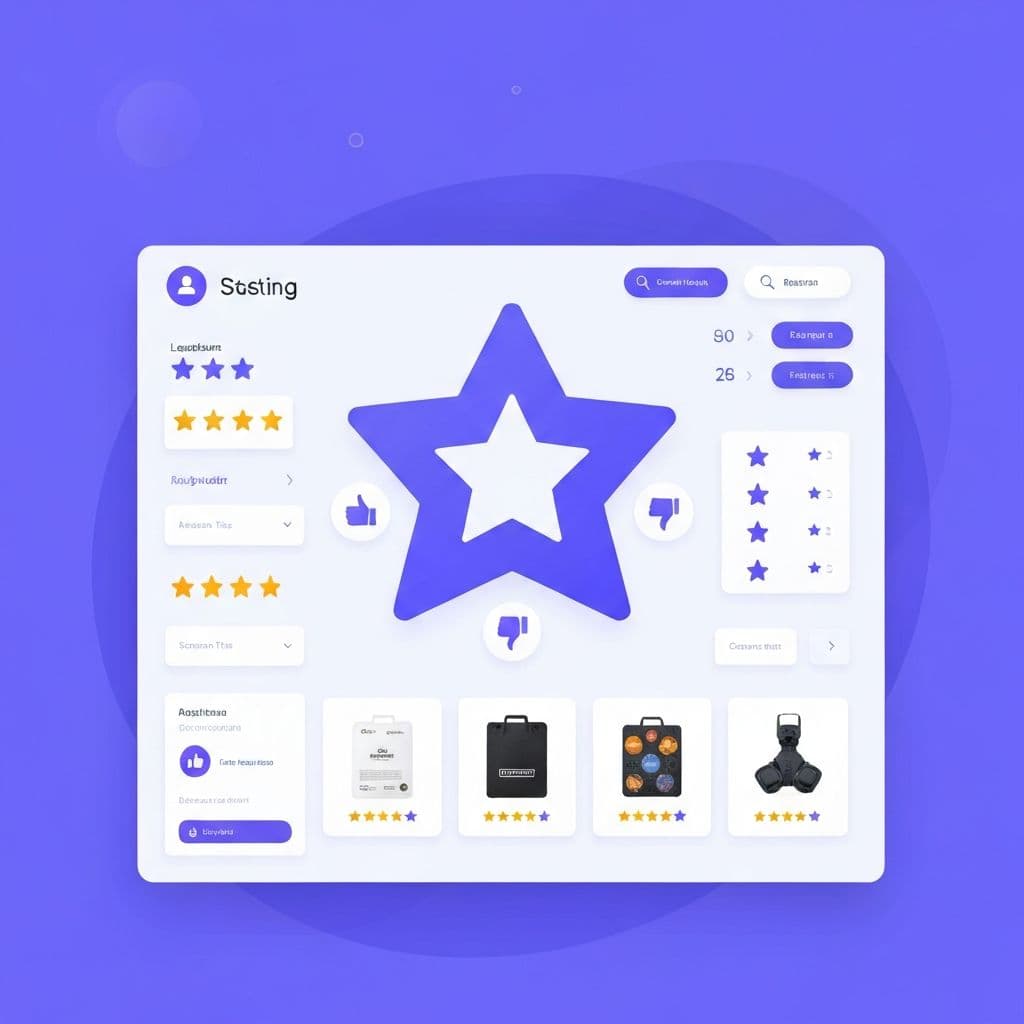
Every venue on KindHours carries ratings across four sensory dimensions:
- Noise Level — how loud and intrusive the sound environment is
- Lighting — how bright and potentially harsh the visual environment is
- Crowd Density — how physically busy and potentially overwhelming the space feels
- Scent-Free — how free from strong artificial or cooking smells the venue is
Each dimension is rated on a 1–5 scale by community members who have visited the venue.
Noise Level Ratings: What Each Score Means
| Score | Description | What it typically sounds like | |-------|-------------|-------------------------------| | 1 | Silent | A study library, an empty church, or a park at 7am | | 2 | Quiet | Soft background conversation, minimal ambient sound | | 3 | Moderate | Steady background noise — a typical mid-morning cafe | | 4 | Loud | Noticeable noise that requires raised voices | | 5 | Very Loud | Significant noise — a busy food market, a packed shopping centre |
For sensory-sensitive people: A score of 1–2 is generally comfortable for extended visits. A score of 3 may be manageable for short visits with mitigation (ear defenders, noise-cancelling headphones).
Lighting Ratings: What Each Score Means
| Score | Description | What it typically looks like | |-------|-------------|------------------------------| | 1 | Very dim | A dark restaurant, a cinema, a candlelit space | | 2 | Soft | Warm, indirect lighting — typically comfortable for extended visits | | 3 | Standard | Standard overhead lighting — typical office or cafe brightness | | 4 | Bright | Strong overhead lighting, significant natural light exposure | | 5 | Very bright | Harsh fluorescent strips, intense spotlighting, full glare exposure |
Important nuance: Lighting ratings capture overall brightness but not always the type of light. Some community tips will note whether lighting is fluorescent, warm LED, or natural light.
Crowd Density Ratings: What Each Score Means
| Score | Description | What it feels like | |-------|-------------|-------------------| | 1 | Empty | Almost no other people — you have the space largely to yourself | | 2 | Sparse | A handful of other visitors — easy to find personal space | | 3 | Moderate | A noticeably occupied space — tables around you, people passing | | 4 | Busy | Consistently busy — limited choice of seating, regular movement nearby | | 5 | Very busy | At or near capacity — crowded, unpredictable movement |
Important nuance: Crowd density is highly time-dependent. Check community tips for specific times of day.
Scent-Free Ratings: What Each Score Means
The scent-free scale runs in the opposite direction: higher is better (more scent-free).
| Score | Description | What it typically means | |-------|-------------|------------------------| | 1 | Strong scents | Heavy air fresheners, strong perfumed cleaning products | | 2 | Noticeable scents | Some artificial or cooking scent consistently present | | 3 | Mild scents | Some smell but not overwhelming | | 4 | Low scent | Minimal artificial scent — natural smells of food or coffee only | | 5 | Scent-free | No artificial fragrances — fragrance-free products used throughout |
Setting Your Personal Sensory Profile
Understanding the rating scales is most useful when you apply them to your own sensory thresholds. KindHours lets you set a personal sensory profile that specifies your maximum tolerable noise level, lighting, crowd density, and minimum scent-free score.
Once your profile is set, every search on KindHours is pre-filtered to show only venues within your comfort range.
How Ratings Are Calculated and Trusted
All ratings on KindHours are generated by community members who have visited the venue. More recent check-ins are weighted more heavily in the average, so a venue that significantly changed its music policy last month will begin to reflect that change quickly.
Always read available community tips before making a visit decision for a new venue.
Putting It Together: Reading a Venue Rating
Example: A cafe rated Noise: 2, Lighting: 2, Crowd: 2, Scent-Free: 4, with 12 ratings and a tip that reads "Very quiet before 11am, gets noticeably busier at lunch."
Reading: This is a reliably low-sensory venue with strong community confidence (12 ratings). Plan for before 11am to match the rating profile.
Sensory ratings are a tool — and like any tool, they work best when you understand what they're actually measuring. Start exploring venues →
KindHours Team
Contributing to KindHours' mission of making spaces more accessible and sensory-friendly for everyone.